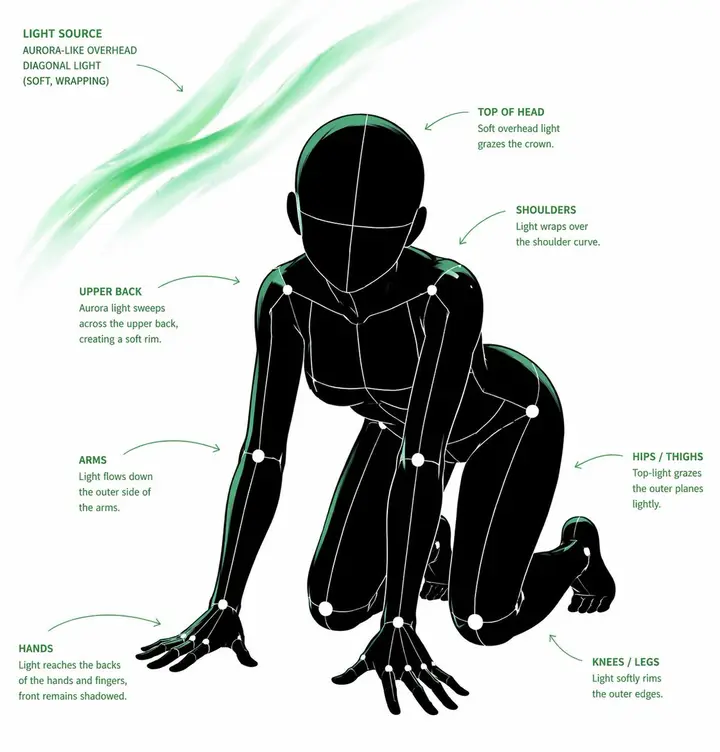
Pose Light Analysis Prompt
[CORE TASK]
Transform the provided input image into a pose-and-light analysis sheet.

This is NOT a finished character illustration.
This is NOT a clothing sheet.
This is NOT a beauty-preserving redraw.

This is a white-line rough mannequin conversion.

[PRIMARY GOAL]
Extract and visualize only:
- pose structure
- body balance
- camera angle
- body line flow
- inferred light source placement
- illuminated areas and light intensity

[INPUT ROLE]
Use the provided image as the strict anchor for:
- pose
- camera angle
- body tilt
- weight distribution
- approximate lighting situation

Do NOT preserve:
- face rendering
- hairstyle rendering
- clothing detail
- accessories
- weapon detail
- background architecture
- character identity
- emotional expression

[FIGURE CONVERSION]
single rough mannequin-like human figure
white body contour lines
white internal construction lines
simple mannequin head
no face
no eyes
no mouth
no eyelashes
no personality
no individual identity

human figure should look like:
- rough pose mannequin
- anatomy proxy
- line-based body guide
- structural sketch
- white-line rough dummy

keep:
- pose readability
- silhouette flow
- head tilt
- torso direction
- pelvis direction
- limb placement

[BACKGROUND]
pure black background
negative-style dark field
no scenery
no props
no architecture
no environmental storytelling

[LINE STYLE]
rough white line drawing
clean but sketch-like
construction-line feeling
anatomy guide lines visible
joint flow visible
body contour emphasized
no polished illustration finish

[LIGHT ESTIMATION]
predict the likely light source positions from the input image
visualize the light sources and illuminated areas using green glow only

use green light intensity with variation:
- strongest green where the light directly hits
- medium green for wrap light
- soft green for reflected or fading light

mark the estimated light sources with labels and arrows such as:
- Main Light
- Rim Light
- Fill Light
- Floor Bounce
- Back Light
only if appropriate

IMPORTANT:
do not invent random lights
infer lighting from the original input image
if the lighting is ambiguous, keep the annotations simple and plausible

[GREEN LIGHT VISUALIZATION]
show green glow on:
- head / skull plane
- neck
- shoulders
- chest plane
- ribcage direction
- pelvis edge
- thigh planes
- knee contact points
- floor contact bounce if applicable

use green light not as decoration,
but as lighting analysis information

[POSE PRIORITY]
1. preserve pose structure
2. preserve camera angle
3. preserve body balance
4. preserve head-torso relationship
5. visualize likely light direction
6. show illuminated areas with readable green intensity variation

[NEGATIVE]
finished person,
cute girl,
detailed face,
hair rendering,
clothing rendering,
weapon emphasis,
beautiful anatomy
- Prompt and image by
- @WOZ1Tx2JZ3kCeBj
- Source:
- Original post
- License:
- MIT. Image resized for the web.
Are you the creator and want this removed? Email support@kromoss.net.
More Photo Edits ideas
See all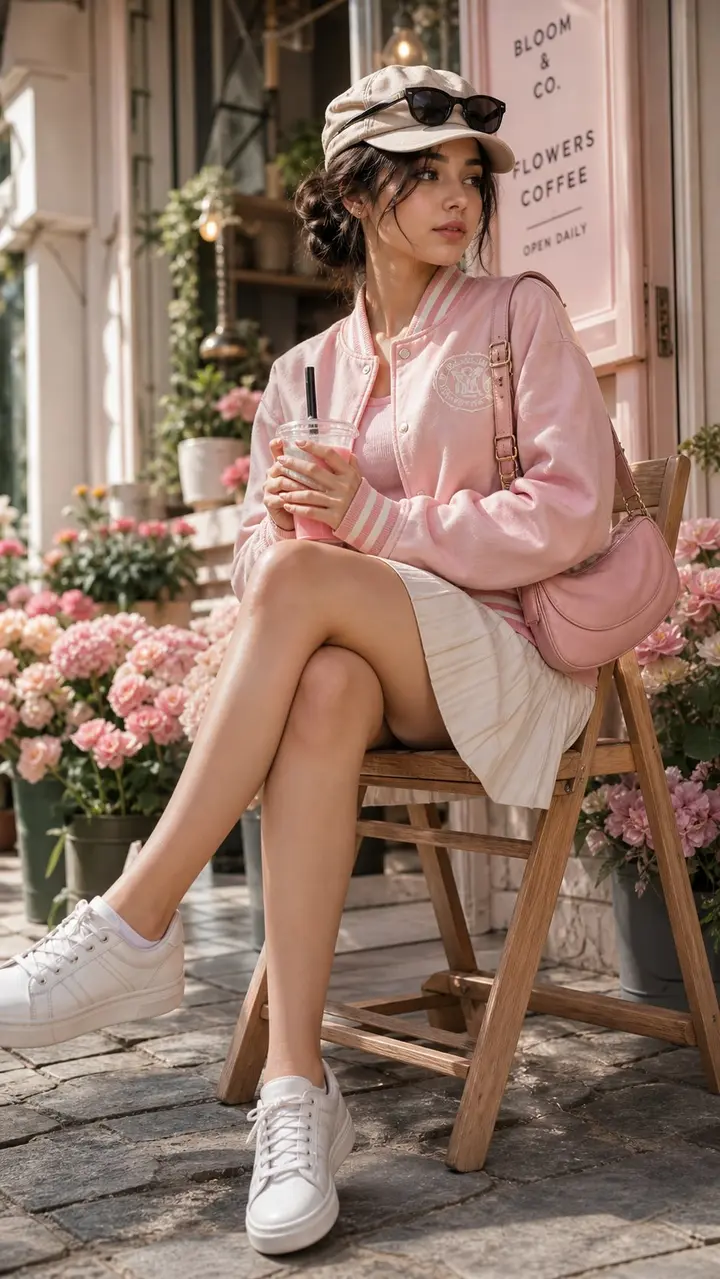
Edit the provided image while preserving the same face identity, shape, and facial features without altering age, ethnicity, or structure. Maintain a calm, relaxed expression with the subject not looking at the camera. Subject: young woman (18–23) with soft feminine beauty, smoot…
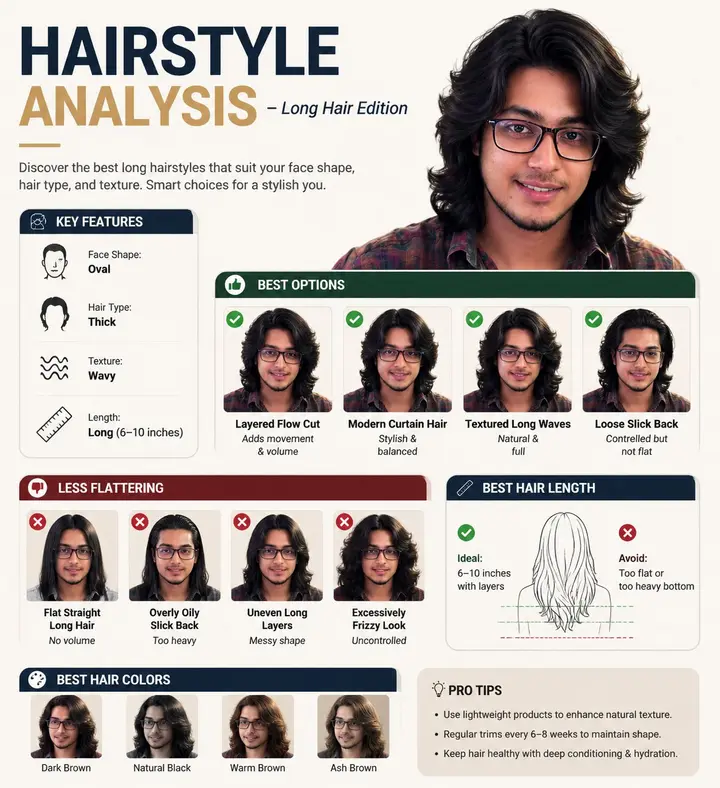
Create a professional "HAIRSTYLE ANALYSIS" infographic with a different male model (the same face) having long, thick hair (6-10 inches), slightly wavy texture. Style should be clean, modern, premium grooming guide (similar layout but not identical). TOP TITLE: "HAIRSTYLE ANALYSI…
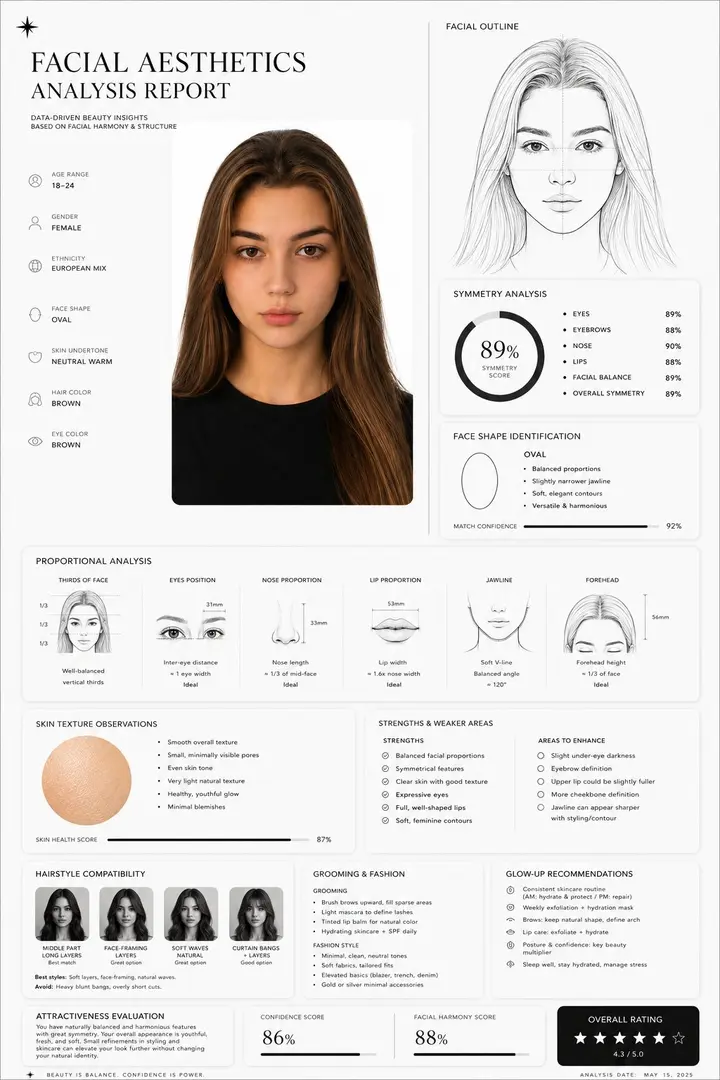
Create a clean, minimal, luxury-style facial aesthetics analysis report based on the uploaded portrait photo. Design style: Ultra-modern black and white interface, premium editorial aesthetic, thin elegant divider lines, soft rounded cards, subtle shadows, spacious layout, luxury…
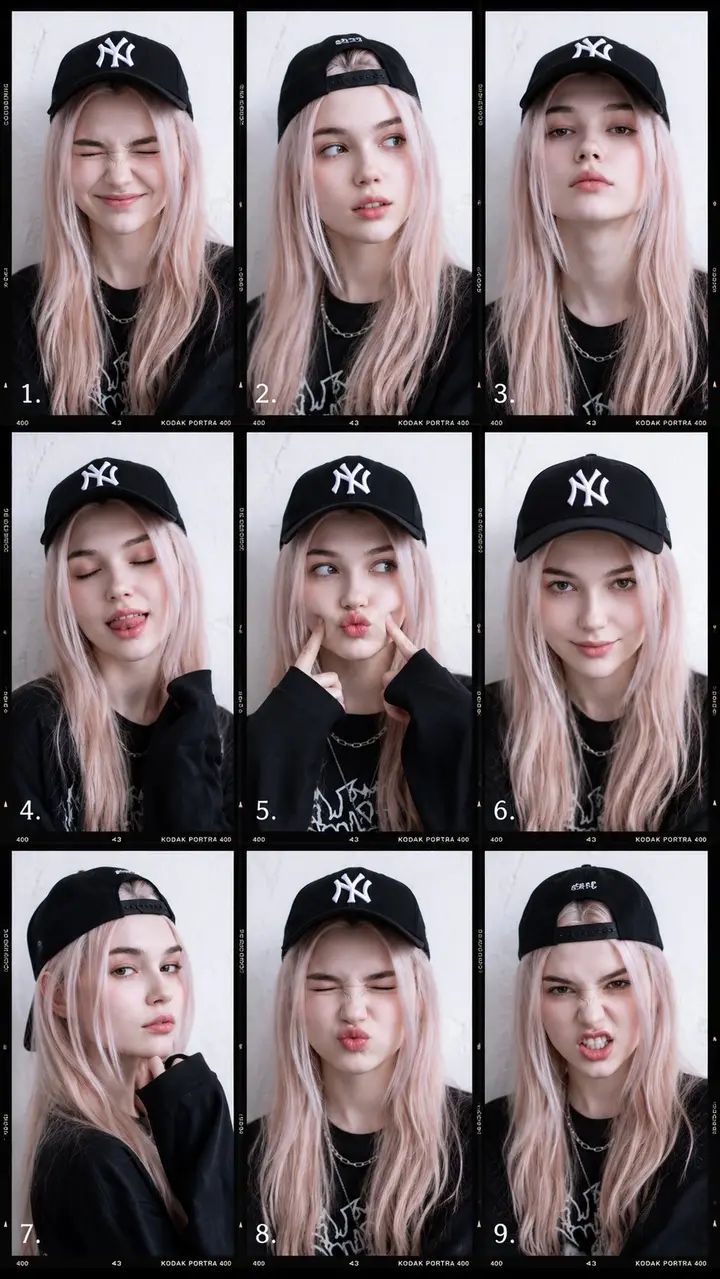
Edit this photo and don't change the face, portrait 9:16. A 9-frame fashion portrait collage featuring a stylish young woman with playful expressions and sporty streetwear aesthetics. The concept combines modern model test photography, casual Gen-Z energy, and clean editorial stu…
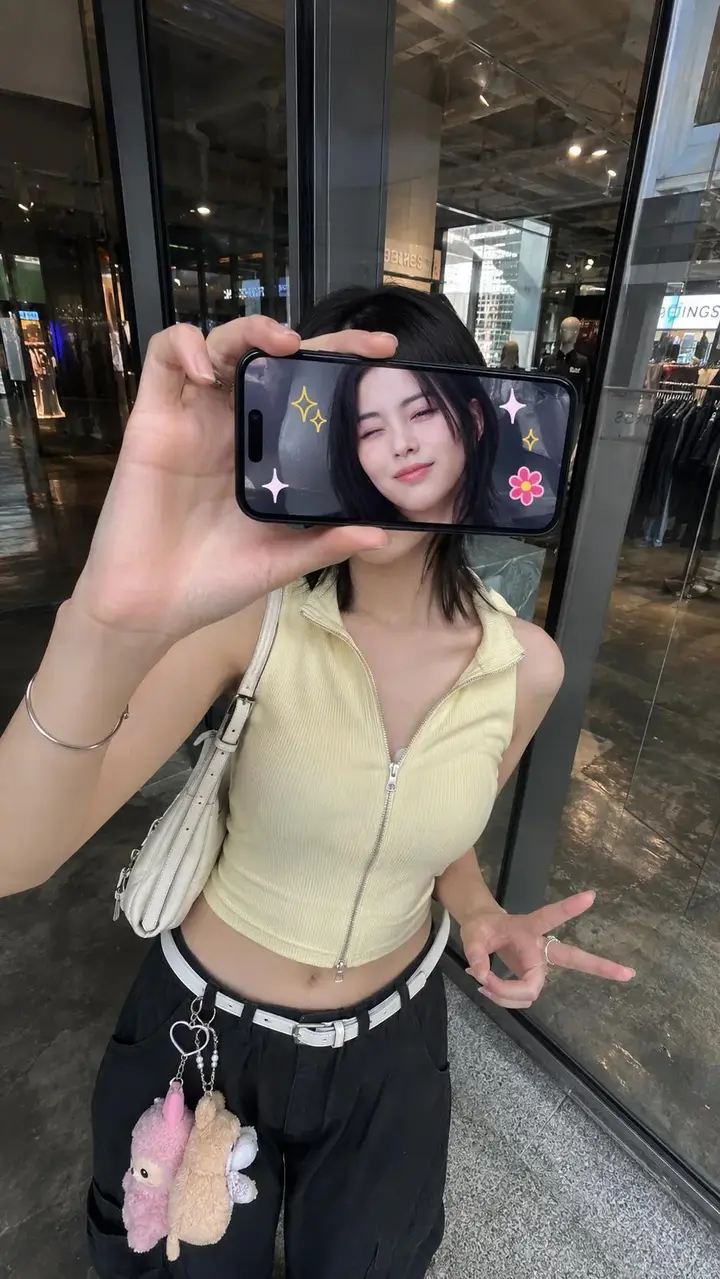
Ultra-realistic creative portrait taken with an iPhone, identity accurately preserved from the reference image. A woman stands inside a store, facing a glass display window or a reflective wall, photographed from a slightly elevated frontal angle. She holds a smartphone horizonta…
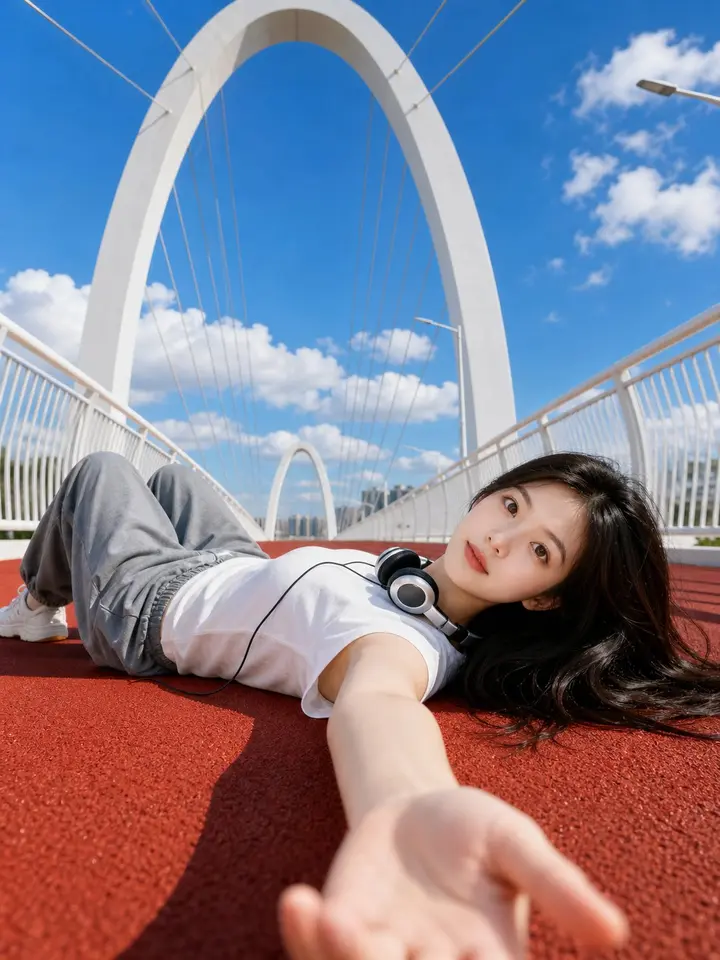
Use the uploaded portrait photo as the appearance reference for the person. Create a bright photorealistic outdoor portrait of a young woman lying on a red running track on a modern white arch pedestrian bridge. Ultra-wide low-angle selfie perspective, her arm reaching toward the…
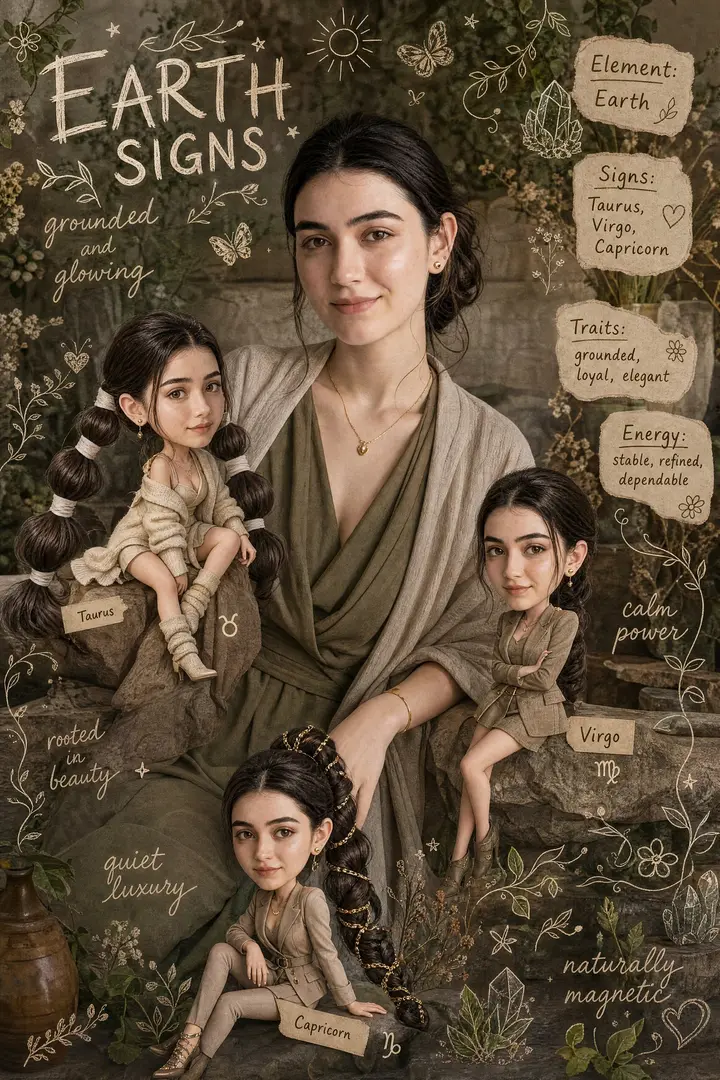
CREATE A NEW IMAGE USING THE PROVIDED FEMALE SUBJECT AS THE ONLY REFERENCE. Preserve her exact facial features, identity, and characteristics with zero alteration. MAIN SUBJECT — EARTH ELEMENT She represents the Earth element as a whole: grounded, elegant, sensual, calm, stable,…
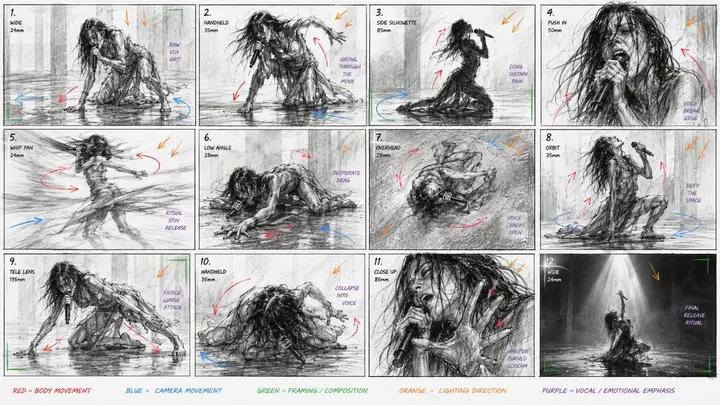
Create a raw contemporary dance performance storyboard focused on intense physical movement and live singing. Use reference image for the character. 16:9 storyboard sheet, 12 cinematic panels. The actual storyboard drawings must be black and white only: rough pencil lines, minima…